Last updated |
Admin Menu
Provides guidance on the main menus and features accessible with administrator privileges.
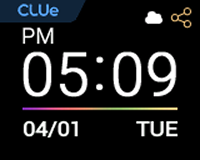
Top icon
| Name | Feature description |
|---|---|
 (Connecting to Suprema CLUe) (Connecting to Suprema CLUe) | Icon indicating that the device is connecting to Suprema CLUe |
 (Suprema CLUe) (Suprema CLUe) | Icon indicating that the device is connected to Suprema CLUe |
 (RS-485) (RS-485) | Icon indicating that RS-485 communication is connected |
 (TCP/IP) (TCP/IP) | Icon indicating the TCP/IP communication connection status |
Full menu
-
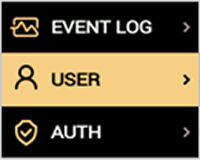
Press ESC, enter the password, and access the menu.
-
Select your desired menu.
Info
If Menu Password is not set, press ESC to open the menu screen. For details on how to set the password, refer to Menu password.