Last updated |
Monitoring
You can check the real-time status of the input and output of the CoreStation after completing the wiring. You can also check the scanned card ID from the connected Wiegand reader.
Info
The number of ports that can be connected may vary depending on the CoreStation model.
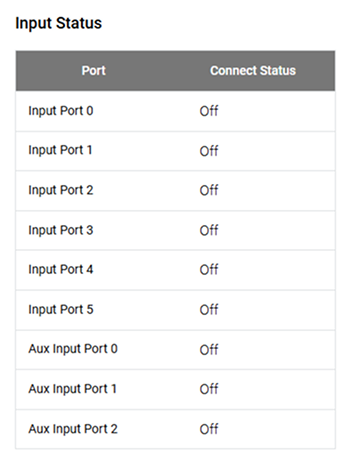
Input port status
The connection status of the input and Aux input ports is displayed. You can check the connection status of the input port on-site right after completing the wiring.
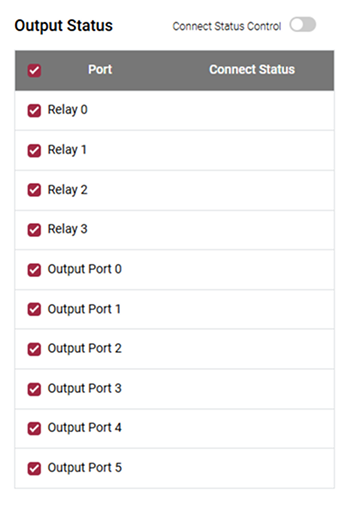
Output port status
The connection status of the relay and output ports is displayed. Select the desired item and click the switch to control the relay and output ports.
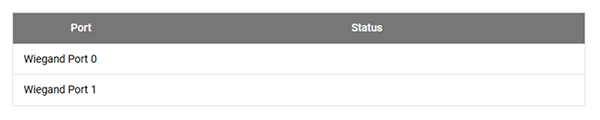
Wiegand port status
When a card is scanned at the Wiegand reader connected to the Wiegand port, the corresponding card ID will appear in the Status column.