Getting Started
Provides initial procedures for getting started with the device.
Components
|
|
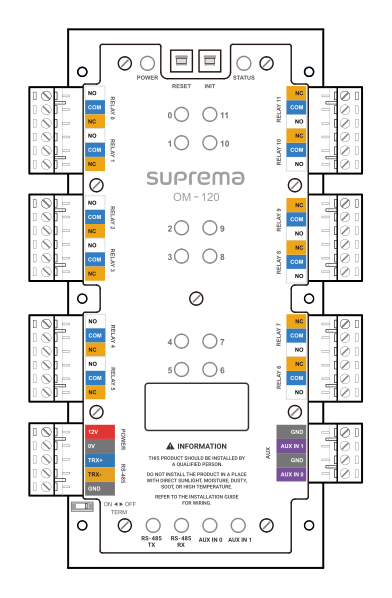
| Output Module | Drilling Template |

|
|
|
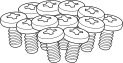
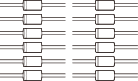
| Fixing Screw x12 | Spacer x6 | Diode x12 |

- Components may vary according to the installation environment.
Accessory
This product can be purchased with the enclosure (ENCR-10) as an accessory, and you can install two products in one enclosure.
The enclosure includes a power status LED board, power distribution board, power supply, and tamper. Refer to Enclosure Installation for how to install the product in the enclosure.
|
| ENCR-10 |
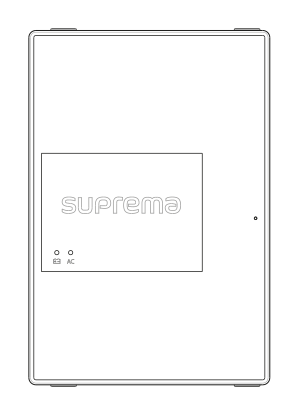
- The ENCR-10 is designed to be mounted on a wall for use. Install it at a safe and convenient height without restrictions on installation height.
-
The ENCR-10 components include screws for housing fixation, screws for product fixation, and screws for power device connection. Use each screw correctly according to its purpose.
-
Fixing screws for the enclosure (diameter: 4 mm, length: 25 mm) x4
-
Fixing screws for the device (diameter: 3 mm, length: 5 mm) x6
-
Fixing screws for the power supply cable (diameter: 3 mm, length: 8 mm) x1
-
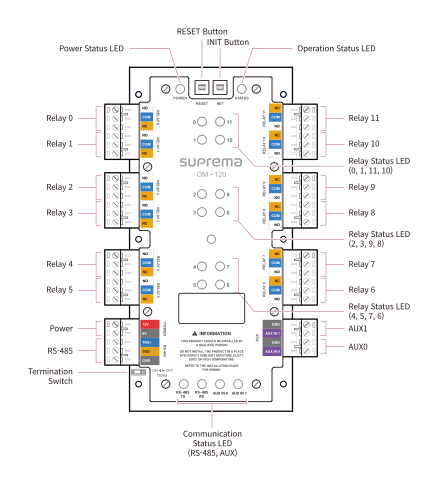
Name and function of each part
-
Press the INIT button for more than 2 seconds after initializing the product linked to the device to connect it to another device.
-
Press the RESET button to reboot the product.
LED Status Indicator
You can check the product operating status by the color of the LED status indicator.
| Item | LED | Status |
|---|---|---|
| POWER | Red Lit | Power On |
| STATUS | Green Lit | Connected status via secure session |
| Blue Lit | Not connected to the master device | |
| Pink Lit | In the process of upgrading firmware | |
| Yellow Lit | Communication error due to different key or packet loss in OSDP causing RS-485 | |
| Sky Blue Lit | Connected status without secure session | |
| RELAY (0~11) | Red Lit | Relay Operation |
| RS-485 TX | Orange blinking | In the process of transmitting RS-485 data |
| RS-485 RX | Green blinking | In the process of receiving RS-485 data |
| AUX IN (0, 1) | Orange Lit | In the process of receiving AUX signal |
Installation example
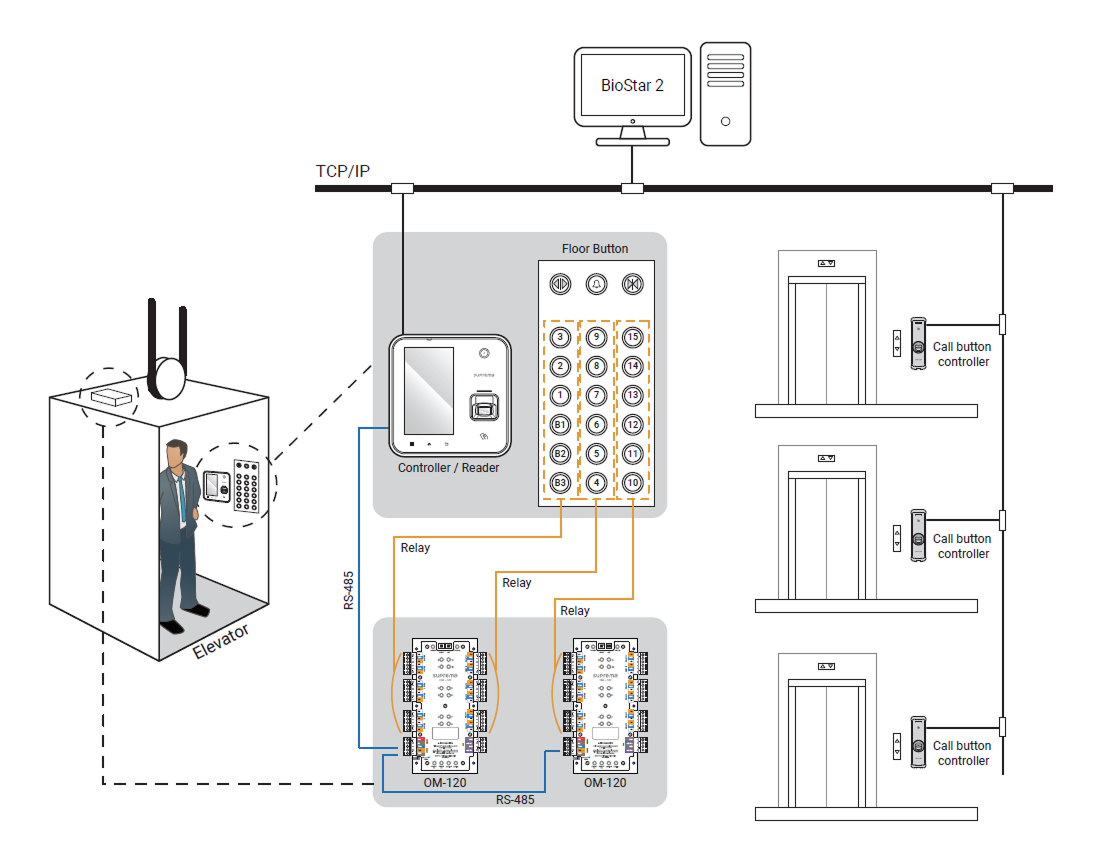
This product is an extension module that controls access to building floors. By connecting to Suprema devices and BioStar X, one module can control 12 floors.
When connected in an RS-485 daisy chain, up to 192 floors can be controlled per elevator.