ViOnyx Web Server
ViOnyx Web Server is a web-based management server built into ViOnyx cameras. Use a web browser to view live video, manage AI events, manage users, and configure system settings without a separate VMS.
It combines 360-degree fisheye video and AI analytics to help you quickly identify and respond to people movement and events on site.
Key features
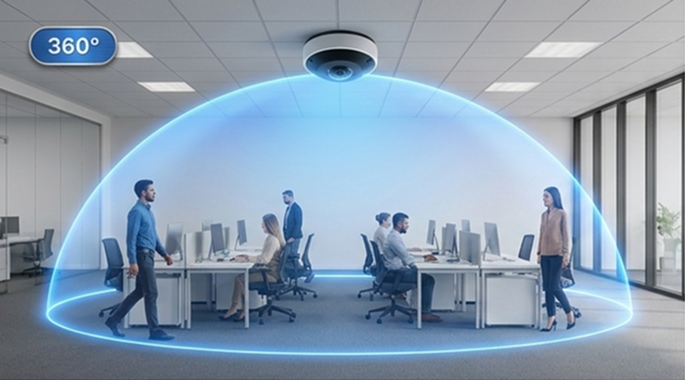
Panoramic 360°, Zero Blind Spots
One ceiling-mounted fisheye camera covers the area of 3 to 4 cameras. Monitor the entire space without blind spots, even in large areas.
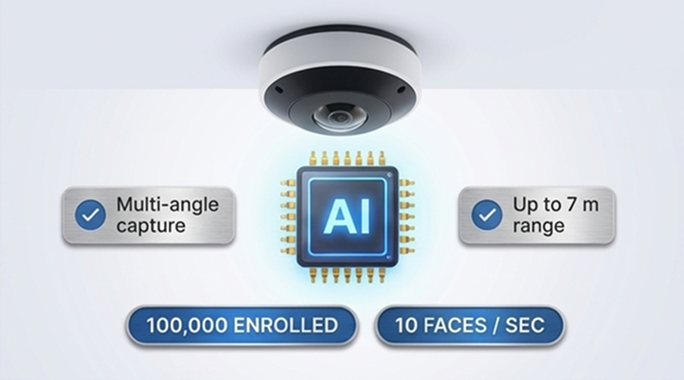
100% On-Device AI Face Matching
Achieves BioStation 3-level accuracy directly on the camera.
-
Register up to 100,000 people on the camera device
-
Multi-angle capture across a wide area
-
Up to 7 m distance, 10 simultaneous authentications per second
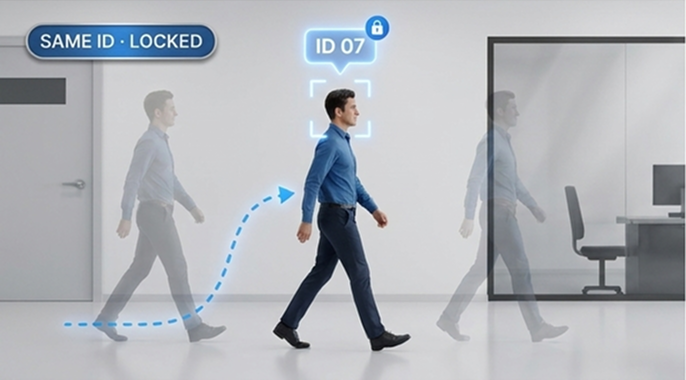
Identity-based Camera Tracking
Standard Re-ID misses subjects when they turn, sit, or change jackets. ViOnyx anchors all tracks to the face-authenticated ID, keeping the same person consistent across the entire screen.
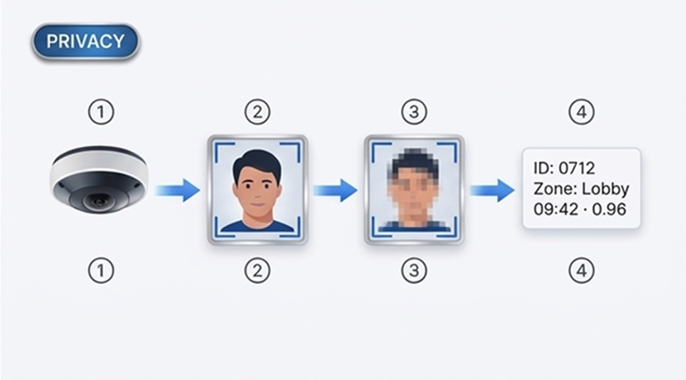
Privacy First, Edge-only Processing
Faces are matched on the device, and the original data never leaves it. Only identity and event metadata are sent downstream. Biometric data is disabled by default, requires admin opt-in, and provides complete audit logs.
User guide structure
Getting Started→ Read more
This guide walks you through certificate installation, password setup, and login when you first access the ViOnyx Web Server.
→ Read more
This guide explains the ViOnyx Web Server web interface structure, the left main menu, and the right-side information and tools.
View Live→ Read more
Use the Live menu in ViOnyx Web Server to view live camera video, select channels and view modes, and zoom or enter full screen.
Set Up AI Events and Rules→7 items
This page explains how to set up AI-based events and define rules that execute when events occur.
Configure the Camera→6 items
Explains how to configure the camera's overall settings, such as video profiles, camera image, privacy and overlay, date and time, and network.
Manage Users→4 items
This page explains how to register, manage, and view users for face recognition.
Configure System→8 items
Provides guidance on managing camera information, firmware, maintenance, accounts, audio, and logs across the system.
Appendices→ Read more
Includes legal notices contained in the product.