Edit and Delete AI Events
Modify the settings of created AI events or delete events that are no longer needed.
Edit AI event settings
-
Click Settings in the upper-left of the screen.
-
Click AI & Rule → AI Analysis in the left sidebar.
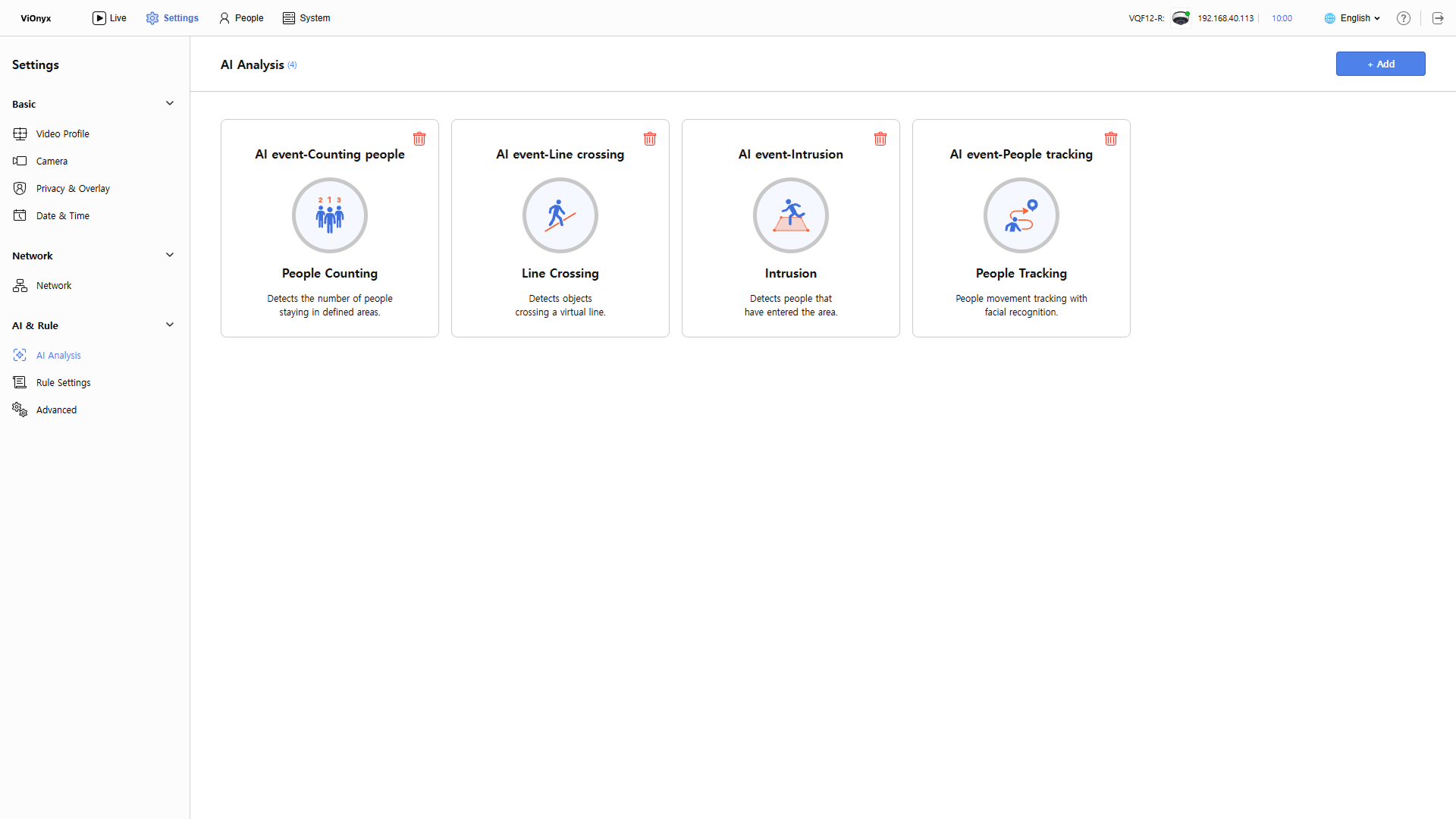
-
Click the AI event to edit.
-
In the right panel, edit the AI event settings.
-
After you finish all settings, click Update in the upper right corner.
Return to the previous screen and confirm the modified event in the AI event list.
For more information about each event setting, refer to the following document.
Delete AI event
-
Click Settings in the upper-left of the screen.
-
Click AI & Rule → AI Analysis in the left sidebar.
-
Click to the right of the AI event to delete.
-
When a warning message appears, review the message and click OK.
-
Deleted AI events cannot be recovered. If an AI event is linked to rules (Rule), deleting the event also deletes the linked rules.
-
Deleting an AI event records the deletion in the system log.