Last updated |
Advanced Settings
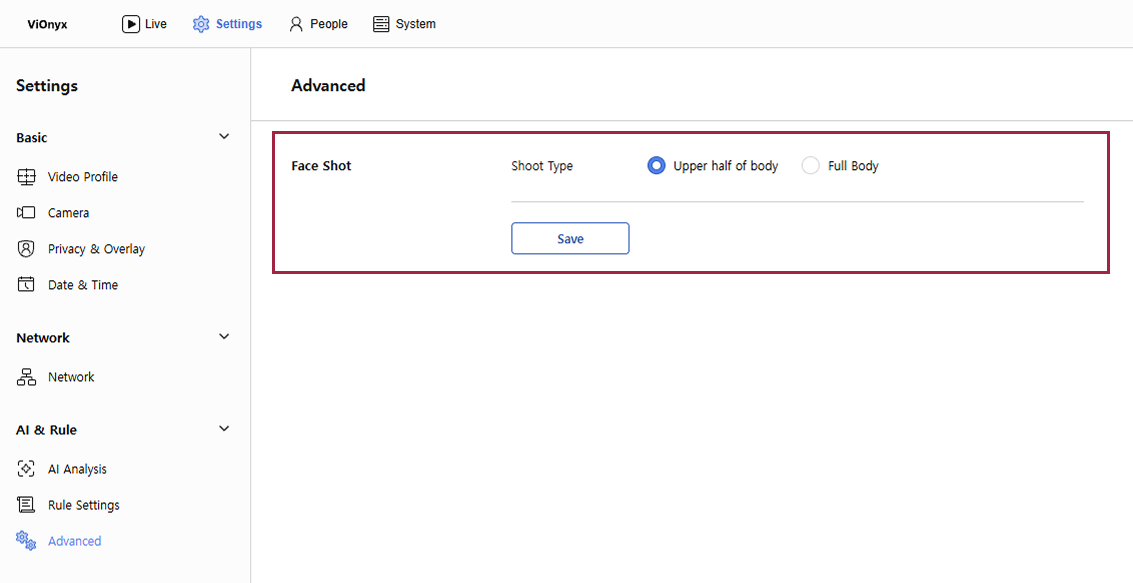
In Advanced settings, choose whether to capture only the upper body or the full body when capturing a user's face.
Face capture type setting
Set the face capture type to capture only the upper body or the full body.
-
Click the AI&Rule menu in the upper-left corner of the screen.
-
Click Advanced on the left sidebar.
-
Select the desired capture type in the Shoot Type option, then click Save.