Last updated |
Understanding the User Interface
After signing in to ViOnyx Web Server, the main menu appears at the top. Menus provide quick access to features. This page explains the web server interface structure and each menu's role.
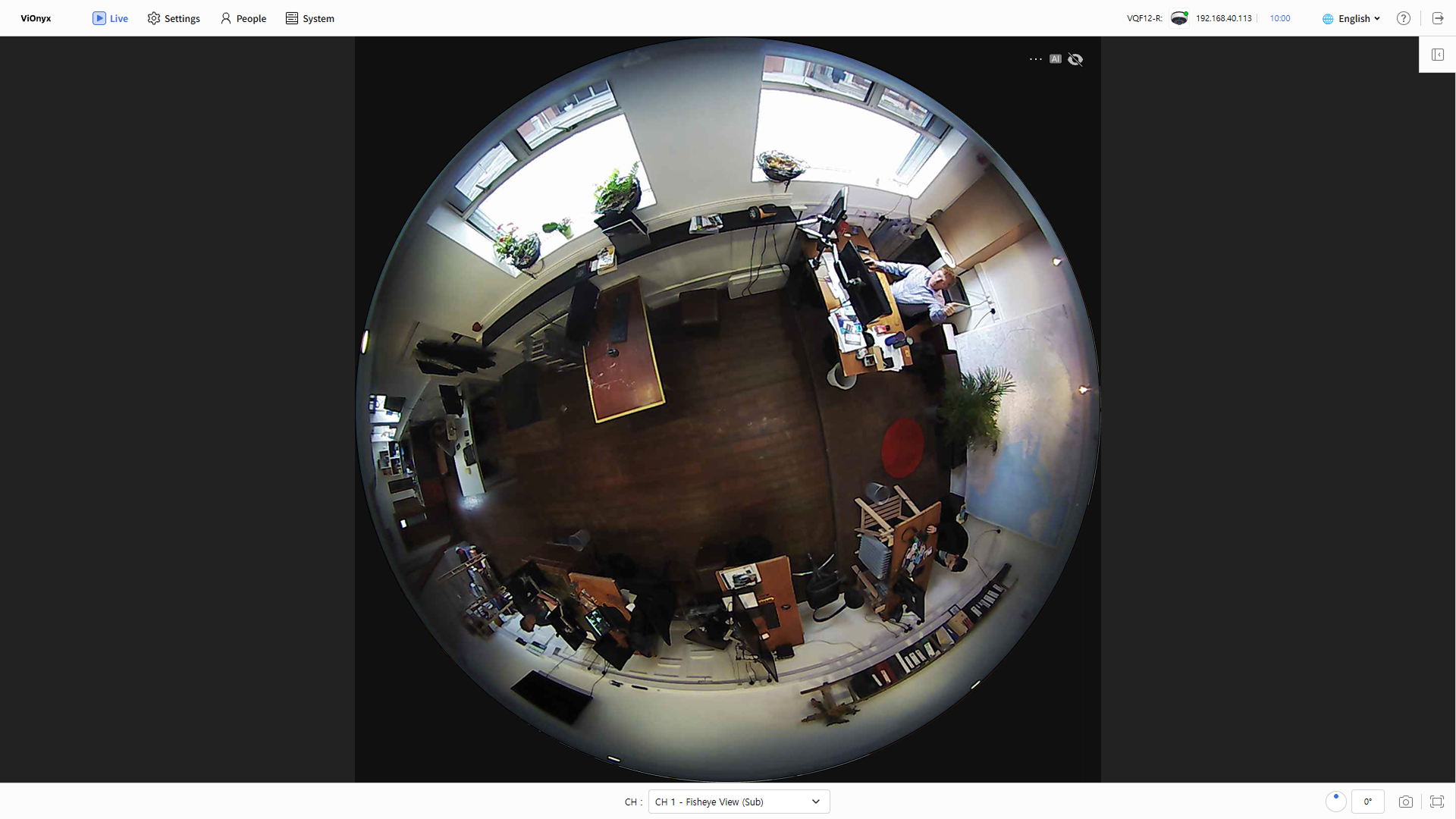
Main menu quick access
The top-left shows the ViOnyx Web Server logo and main menu icons. Features provided by each menu are listed below.
Information and tools
The top-right shows camera info, language selection, a shortcut to the user guide, and a logout button.
| Menu icon | Menu name | Description |
|---|---|---|
| Camera information | View the connected camera's name, status, and IP address. Click IP Address to view device information. |
| 10:00 | Session time | View the current logged-in administrator's session time. You are automatically logged out when the session time is exceeded. |
| 🌐 | Language selection | Change the web interface language. |
| User guide shortcut | View the user guide. |
| Logout | Log out. |


