Last updated |
Synchronization Check
Milestone XProtect Smart Client and BioStar
-
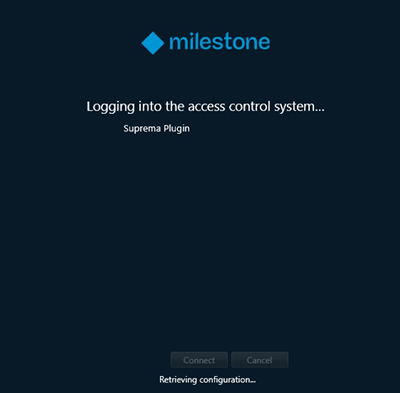
Run Milestone XProtect Smart Client. It is retrieving plugin information.
-
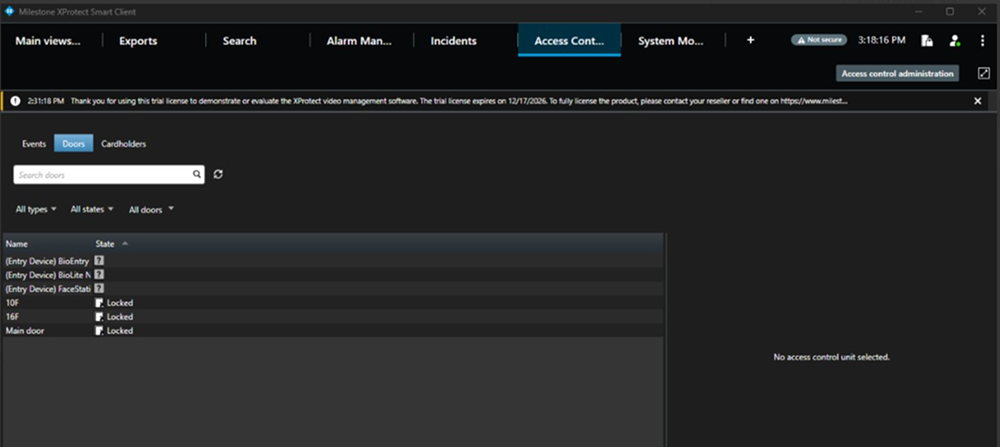
Move Access Control tab, Check the Device and door status sync with BioStar setting.
-
Check the Cardholders' information with BioStar setting.
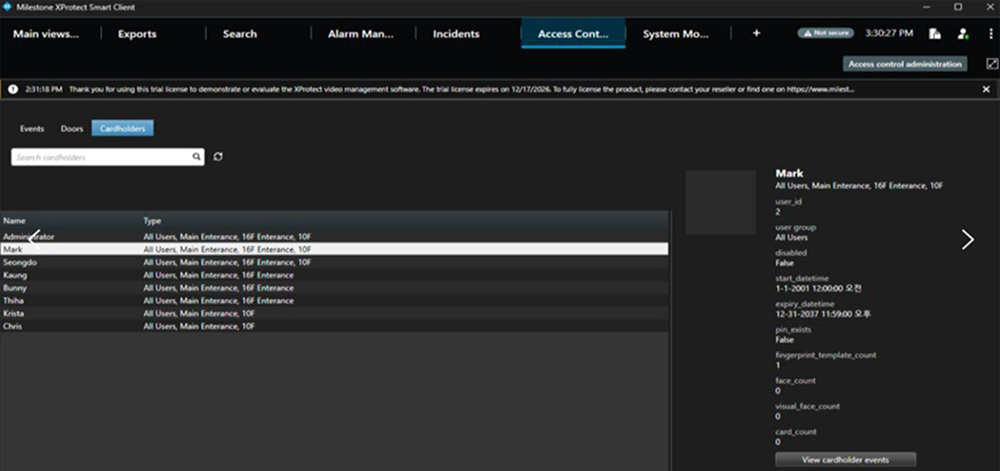
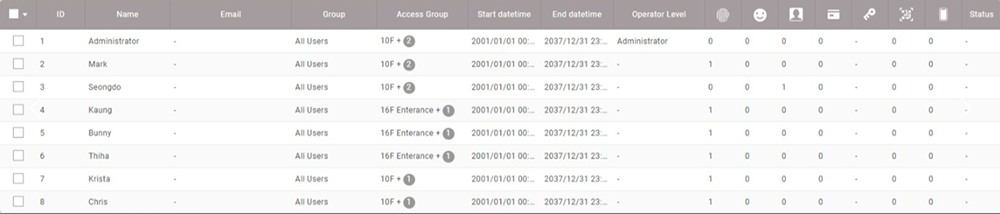
-
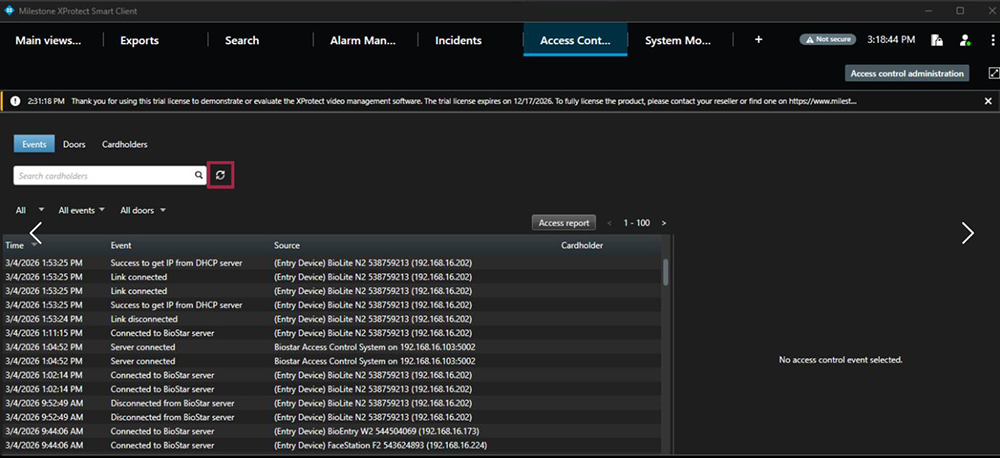
When you check the Event on real time, you need to press 'refresh' button.
-
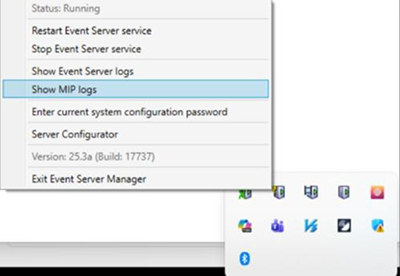
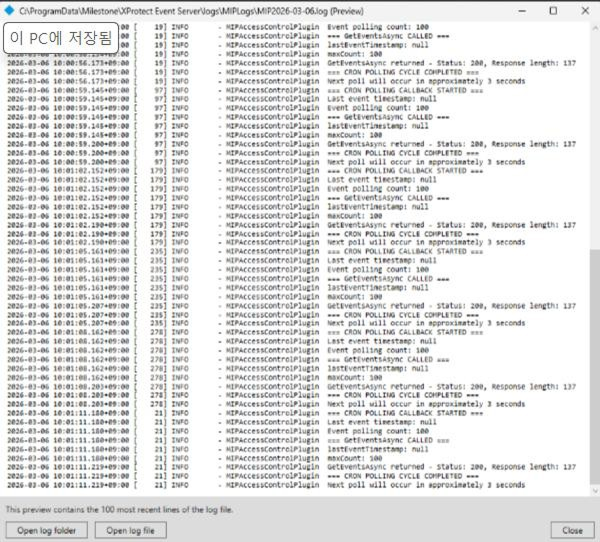
You can check Realtime Plugin log (MIP logs) on the Event Server.