Set Security Level
You can grant separate security levels to users regardless of the biometric 1:N security level set on the device. If users frequently fail authentication when the device's 1:N security level is set high, consider lowering the 1:1 Security Level to mitigate failed authentications.
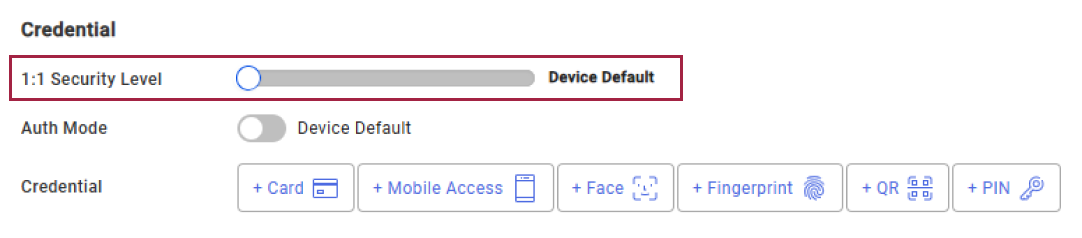
Set the desired level in the 1:1 Security Level field. The available values are as follows:
- Device Default
- Lowest
- Low
- Normal
- High
- Highest
Click Save in the upper right corner of the screen to save the settings.
-
If you set Private Auth Mode in the Credential section to Biometrics, you cannot apply the 1:1 security level as the input user cannot be identified, and you can only apply the 1:1 security level when a card or ID that allows user identification is set in the authentication mode. For more information on Private Auth Mode, see Authentication Mode Settings.
-
Set an appropriate security level. A higher security level may result in lower fingerprint authentication rates or higher False Rejection Rates (FRR).