Last updated |
Manage Checked-In Visitors
You can view checked-in visitors, edit visit information, or check them out.
-
On the Launcher page, click Visitor.
-
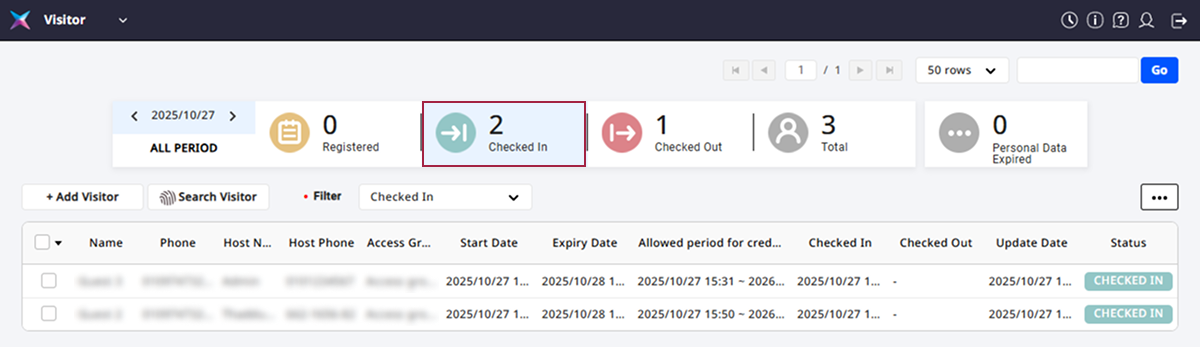
Click the Check in tab at the top of the screen.
-
To edit or check out a visitor, click the visitor in the list.
-
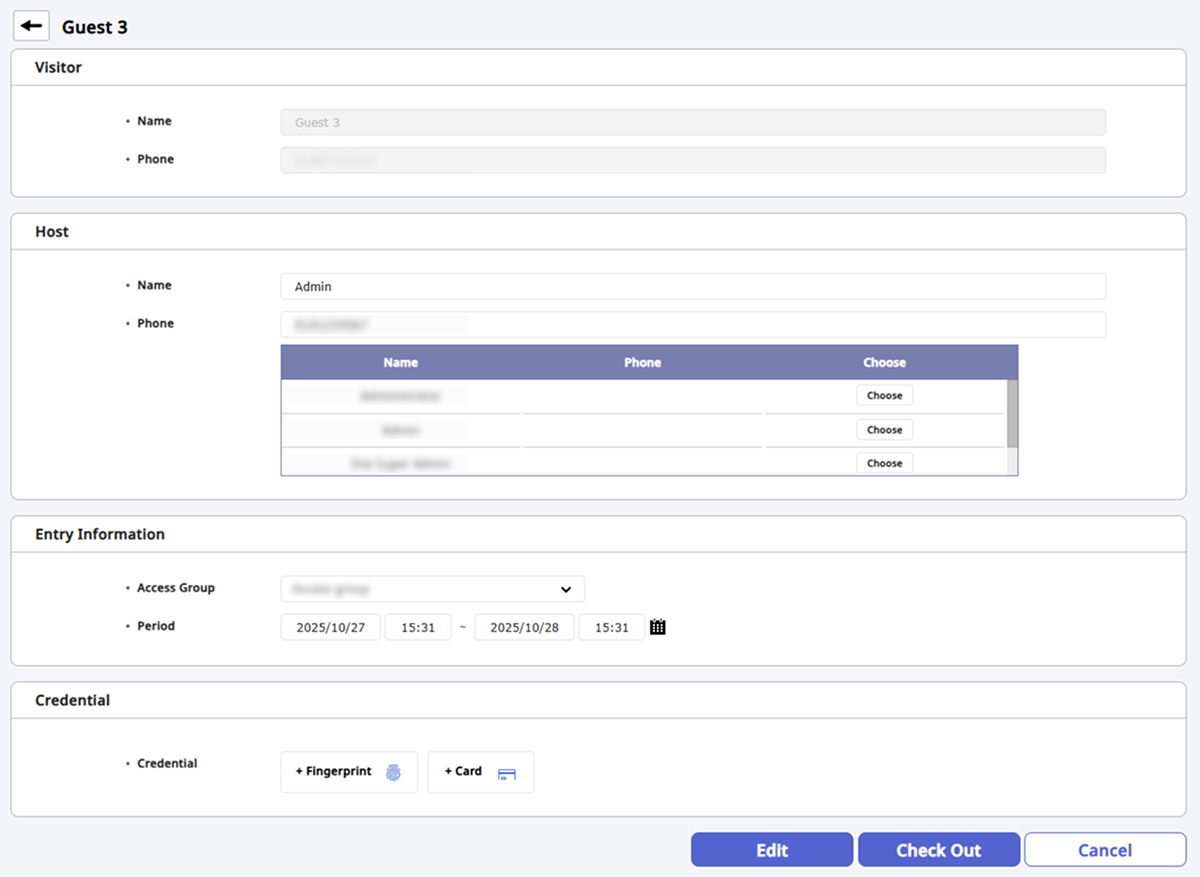
Review the visitor's visit request information.
-
To modify and save individual items, click Edit in the lower-right corner of the screen.
-
To process check-out, click Check Out in the lower-right corner of the screen.
-
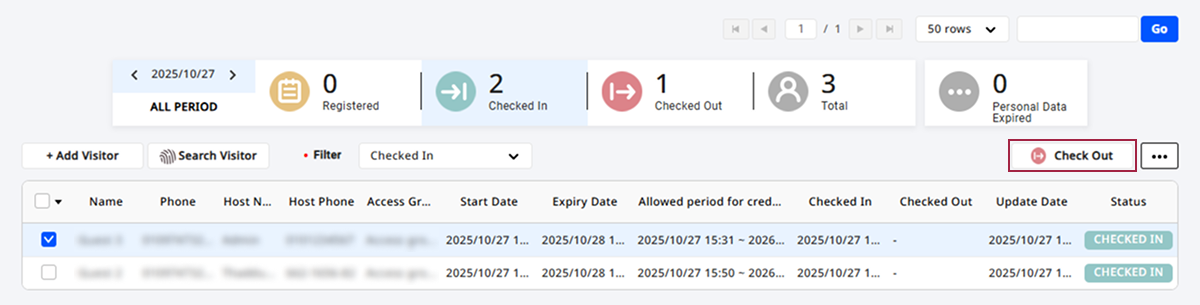
Info
You can also select a visitor from the Check in list to check out the visitor. Click the checkbox for the visitor to check out in the list and then click Check Out in the upper-right corner of the screen.