Using the Mobile App
With the CLUe mobile app, control doors remotely from your smartphone, manage users, and check place events in real time. This guide covers everything from how to invite place managers to downloading the app, signing in, and using the main features.
Inviting CLUe mobile app admins
A place group admin can invite place admins by email in Place settings.
-
Log in to the CLUe web portal.
-
Select the place where you want to invite a mobile app admin.
-
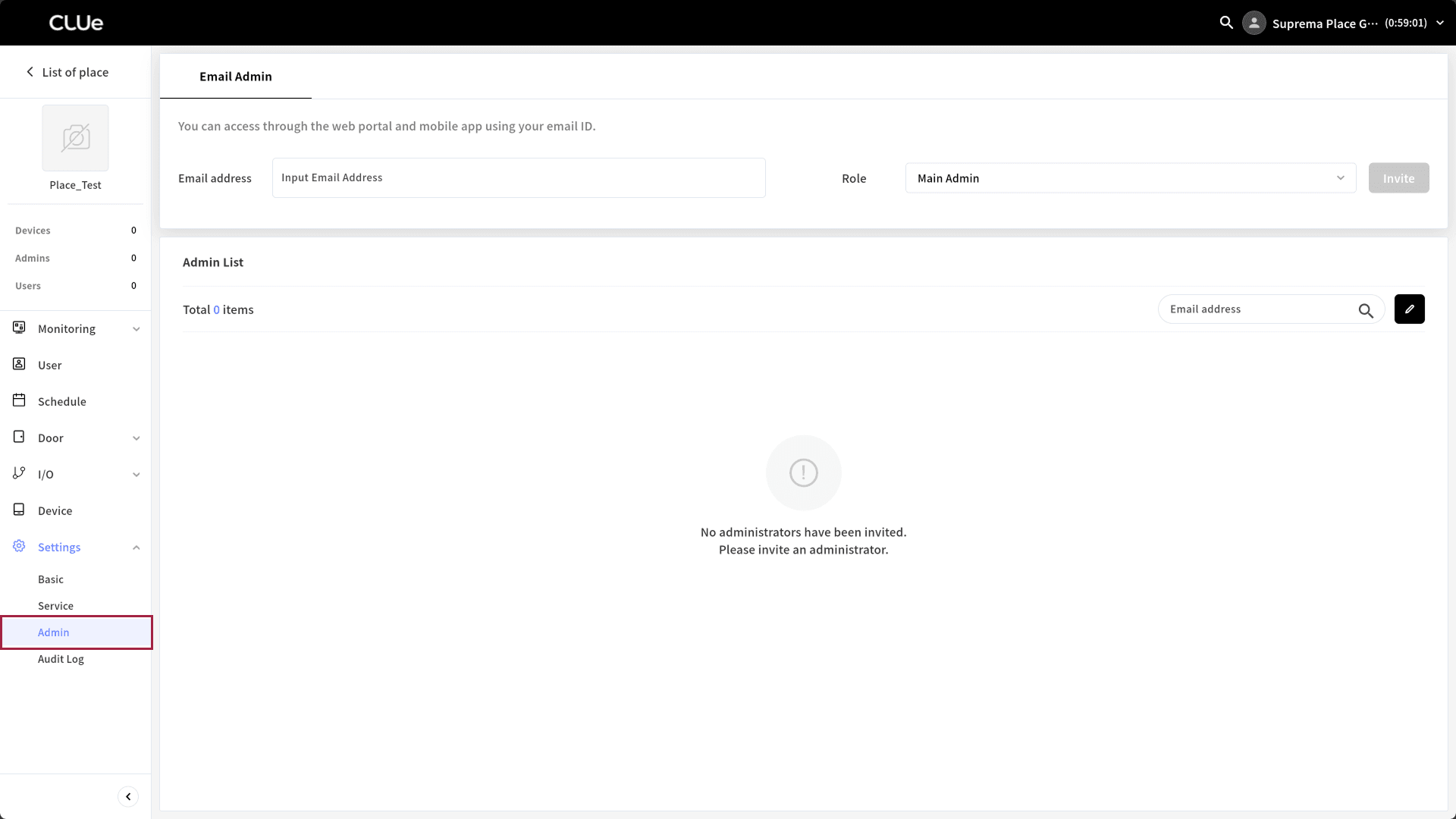
In the left sidebar, click Settings → Admin.
-
Enter the email address and select a role.
-
Click the Invite button.
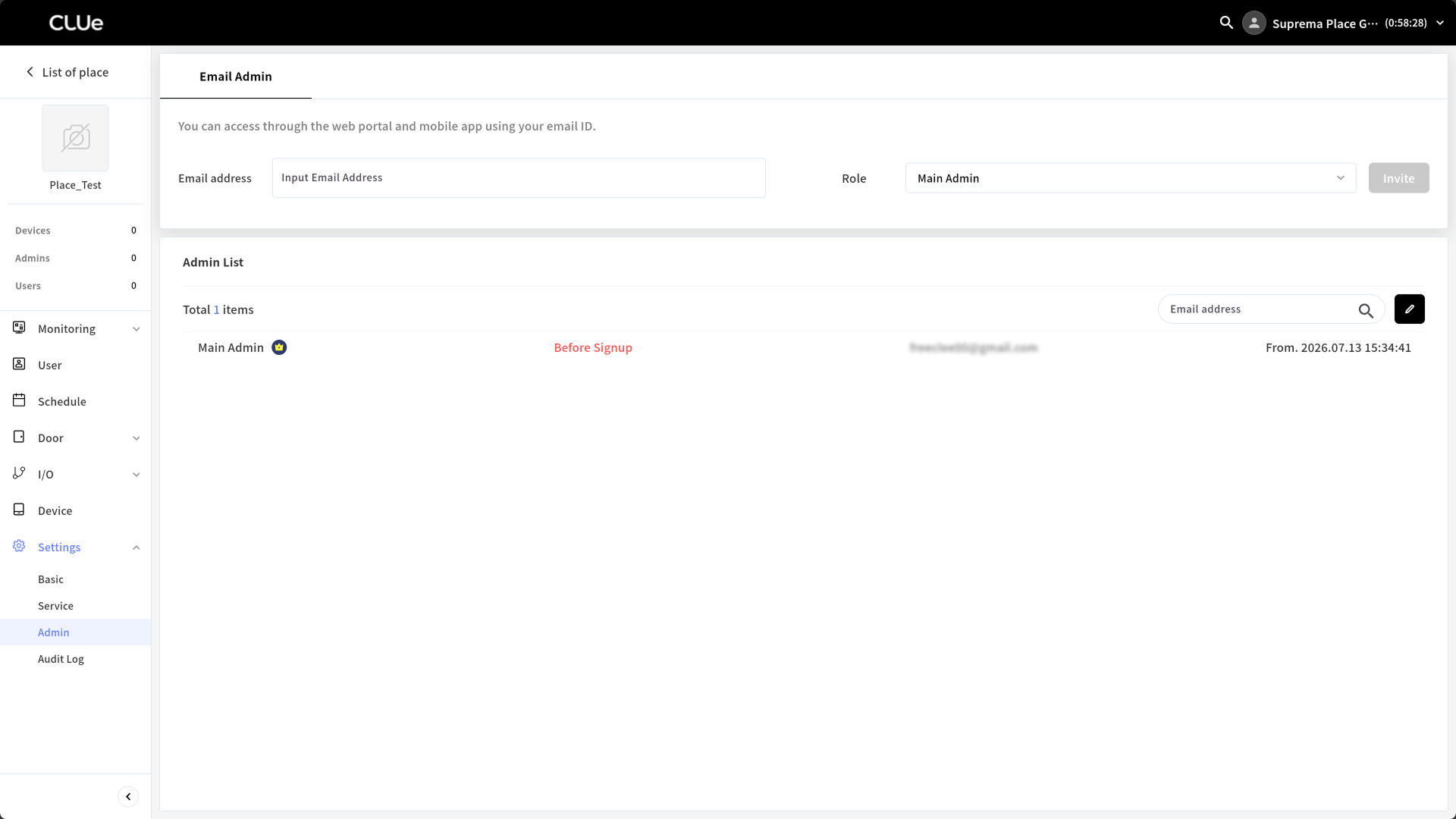
Check the invitation status in the Admin List list.
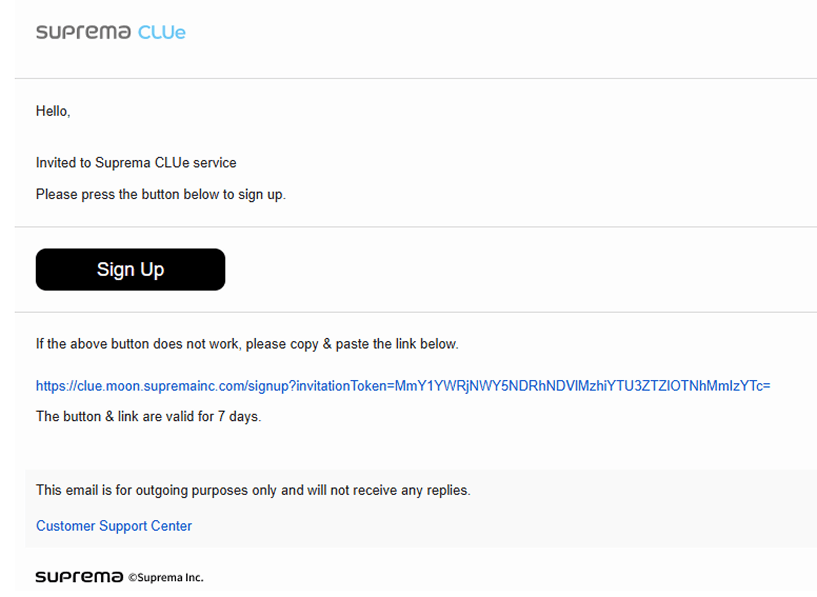
After the invitation completes, the system sends an invitation email to the admin. The invited admin can join through the link in the email.
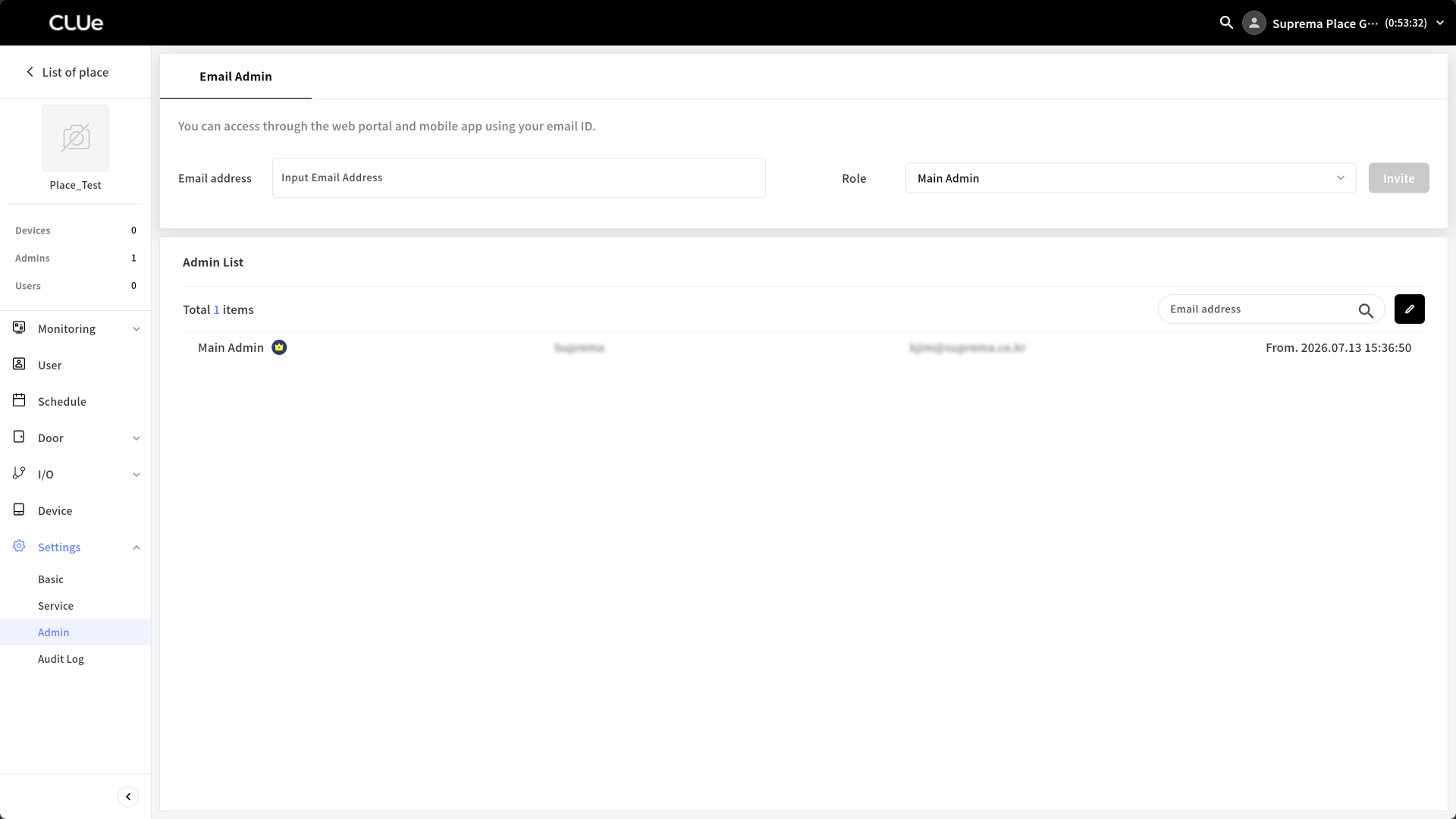
After joining, check the status change in the admin list.
Can I join directly in the CLUe mobile app?
Admins who cannot access the CLUe web portal can download the CLUe app and join from the mobile app. However, for actual use, the system must invite them to the place.
Download the CLUe app
Download the CLUe app from the link below or by scanning the QR code.
| Platforms | Download link | QR code |
|---|---|---|
| iOS | App Store |  |
| Android | Google Play |  |
If you cannot find the app, search for "suprema clue" in the app store.
Log in
After installing the app, sign in with the invited email address.
-
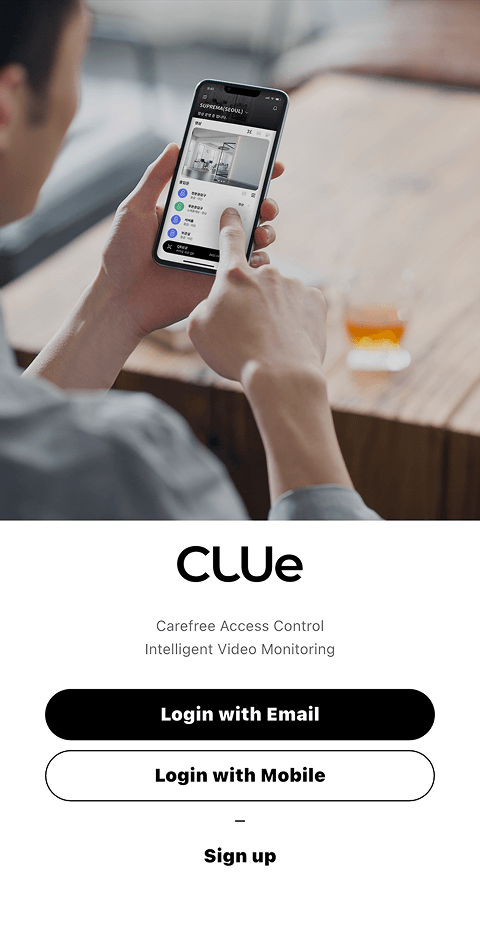
Open the CLUe app on your mobile device.
-
Select Login with Email.
-
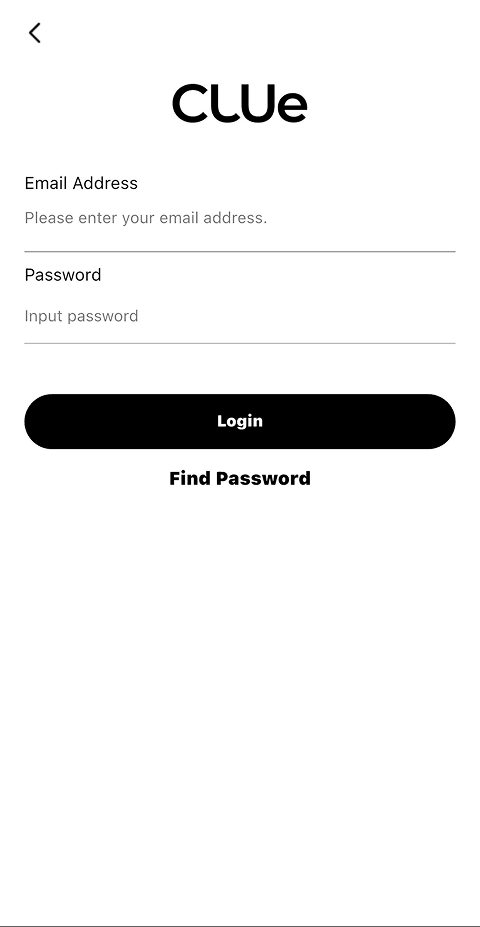
Enter the email address and password, then tap the Login button.
-
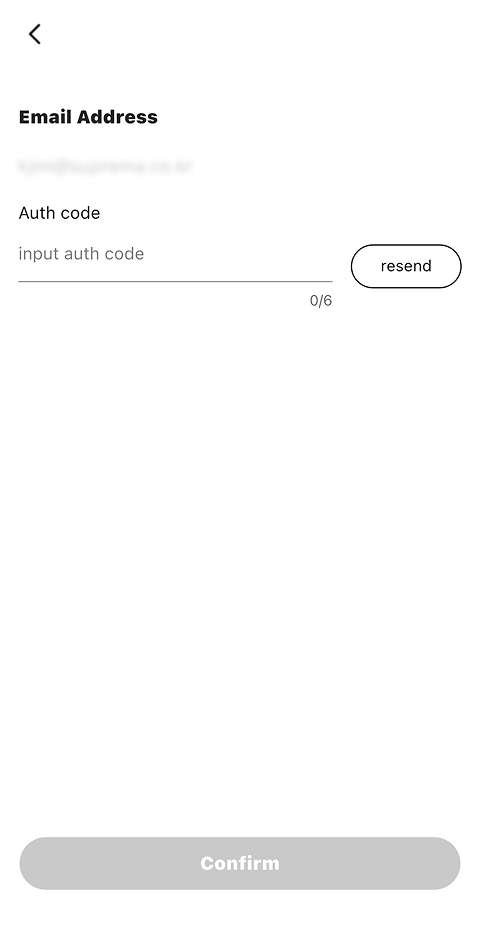
Enter the verification code sent to your email address, then tap the Confirm button.
You stay signed in until you sign out.
Main features of the CLUe app
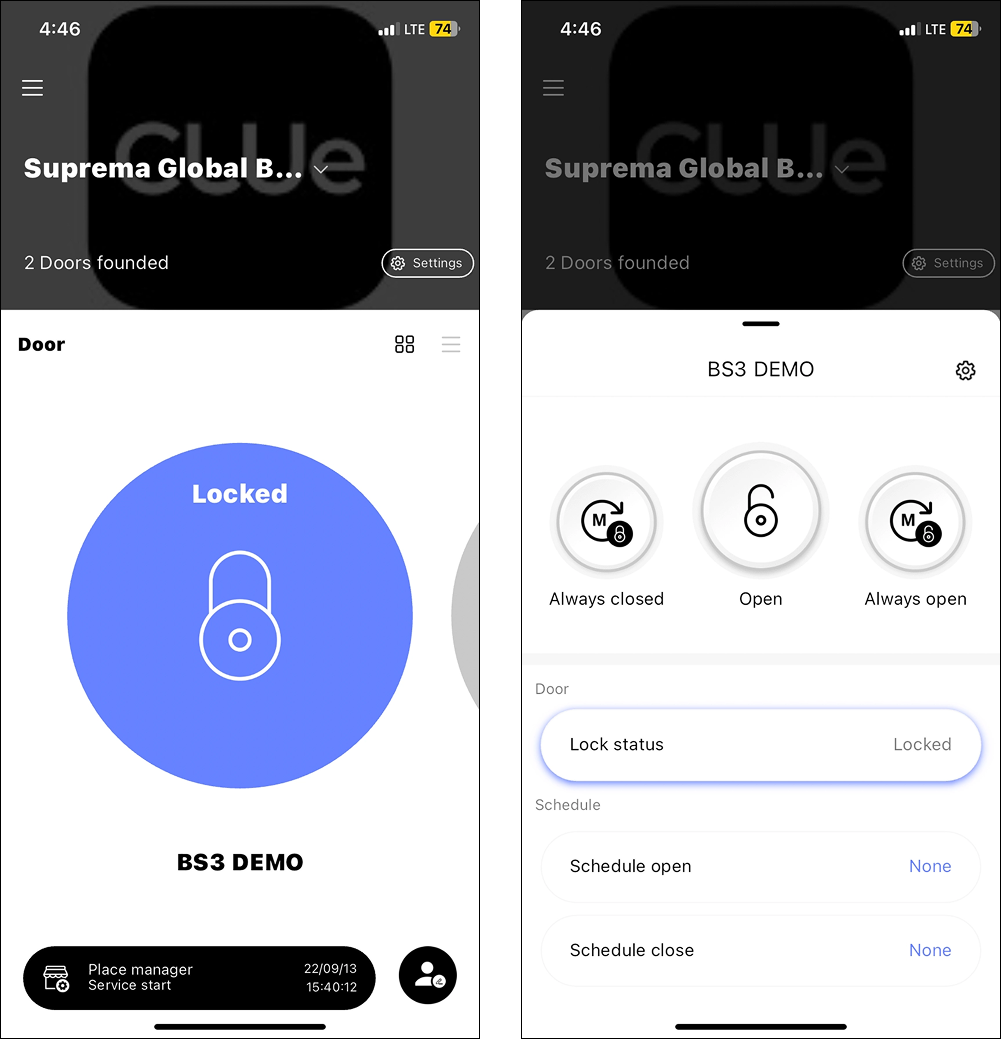
Remote door control
Check the current lock status of doors and control them remotely. Set a schedule to open or close doors automatically at specified times.
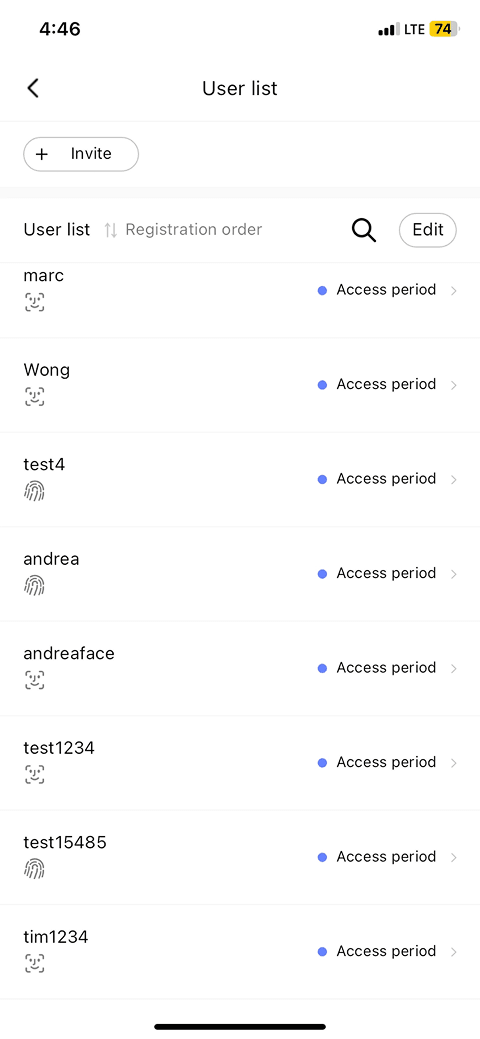
User Management
Invite or manage users. Use the CLUe mobile app and Suprema devices to enroll credentials such as face, fingerprint, and RF card.
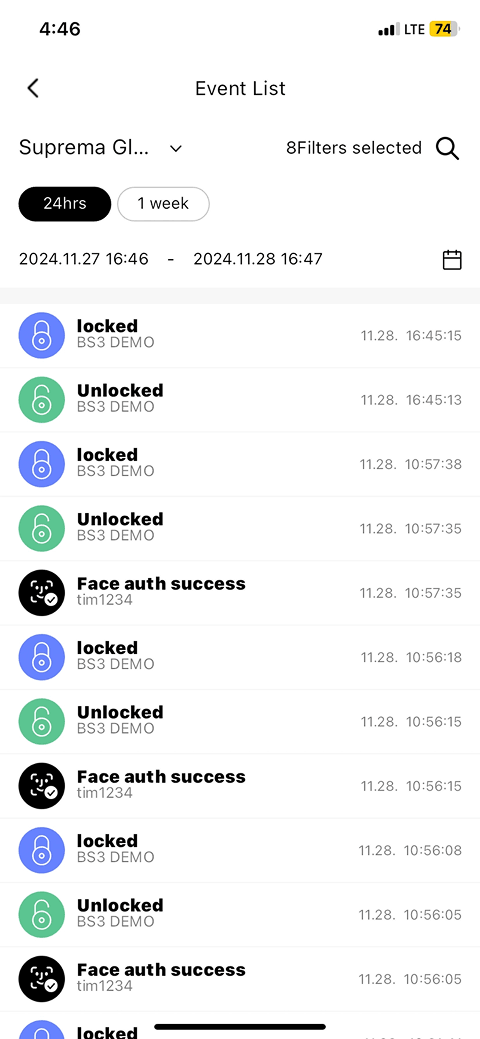
Event monitoring
Check place events in real time, including door lock and unlock events, and authentication success and failure. View events by 24 hours or 1 week, or apply filters to quickly find the event you need.