July 2026
Summer heat has arrived in full force this July. We hope you stay healthy through the hot weather, and this month brings plenty of good news for Suprema Docs. We've newly published a user guide for the cloud-managed platform CLUe, which lets you build an access control system entirely in the cloud, without an on-premises server. We've also added a range of other documentation, including the backup and restore feature for CoreStation Setup Manager and an RTSP/ONVIF integration guide for the ViOnyx web server. Check them out now.

CLUe Guide Released
We've newly published a user guide for CLUe, a cloud-managed access authentication service that lets you deploy an access control system through standard REST API integration alone, without building an on-premises server. Manage it easily through the web portal or mobile app.
-
CLUe Web Portal Guide: Covers the full range of CLUe service operations, including administrator permission structure, device and door settings, firmware updates, webhook configuration, and audit log review.
-
CLUe API: API documentation for developers who want to directly integrate user management and access authentication features.
Platform
BioStar X
Configure Floors: Added guidance on the image file formats (PNG, JPEG, JPG) supported for floor plan uploads
BioStar Air
IP Camera Support and Setup: Added the video service activation step required for camera integration
Devices
New Devices
Device manuals for products with dedicated CLUe firmware have been added.
Device Updates
-
CoreStation Setup Manager: Added guidance on device setting backup and restore, and the SCB Key feature
-
ViOnyx Web Server: Newly added a guide for integrating RTSP and ONVIF
-
-
Added Safety Instructions
-
Added screw specifications
-
Updated Product Specifications
-
-
-
Updated power and network wording
-
Updated Product Specifications
-
Release Notes
-
BioStation 2a: Added release notes for version 1.2.3
-
BioStation 3 Max: Added release notes for versions 1.0.0 and 1.0.1
-
CoreStation 40: Added release notes for version 1.7.3
-
CoreStation 20: Added release notes for version 1.0.5
Docs
-
We've newly published the Cookie Policy page. It explains the types and purposes of cookies used on the site, and also introduces a feature that automatically directs first-time visitors to the page matching their browser's language setting.
-
Added heading anchor copy feature: Click the
#next to a heading anchor to copy the URL, including the hash ID for that anchor.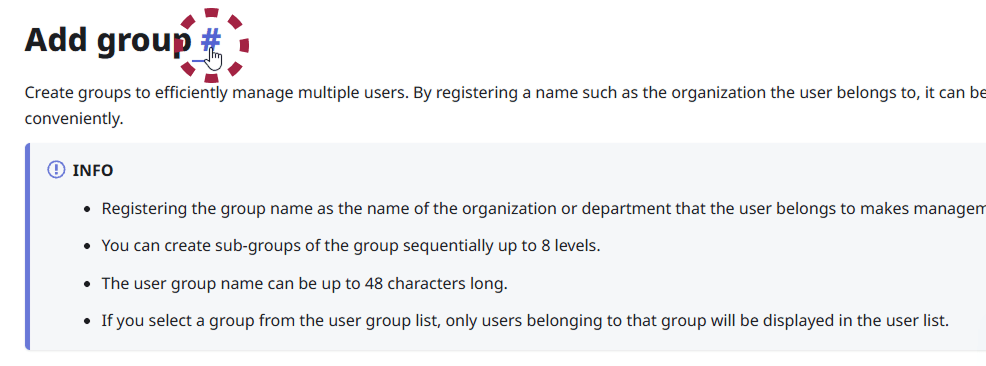
-
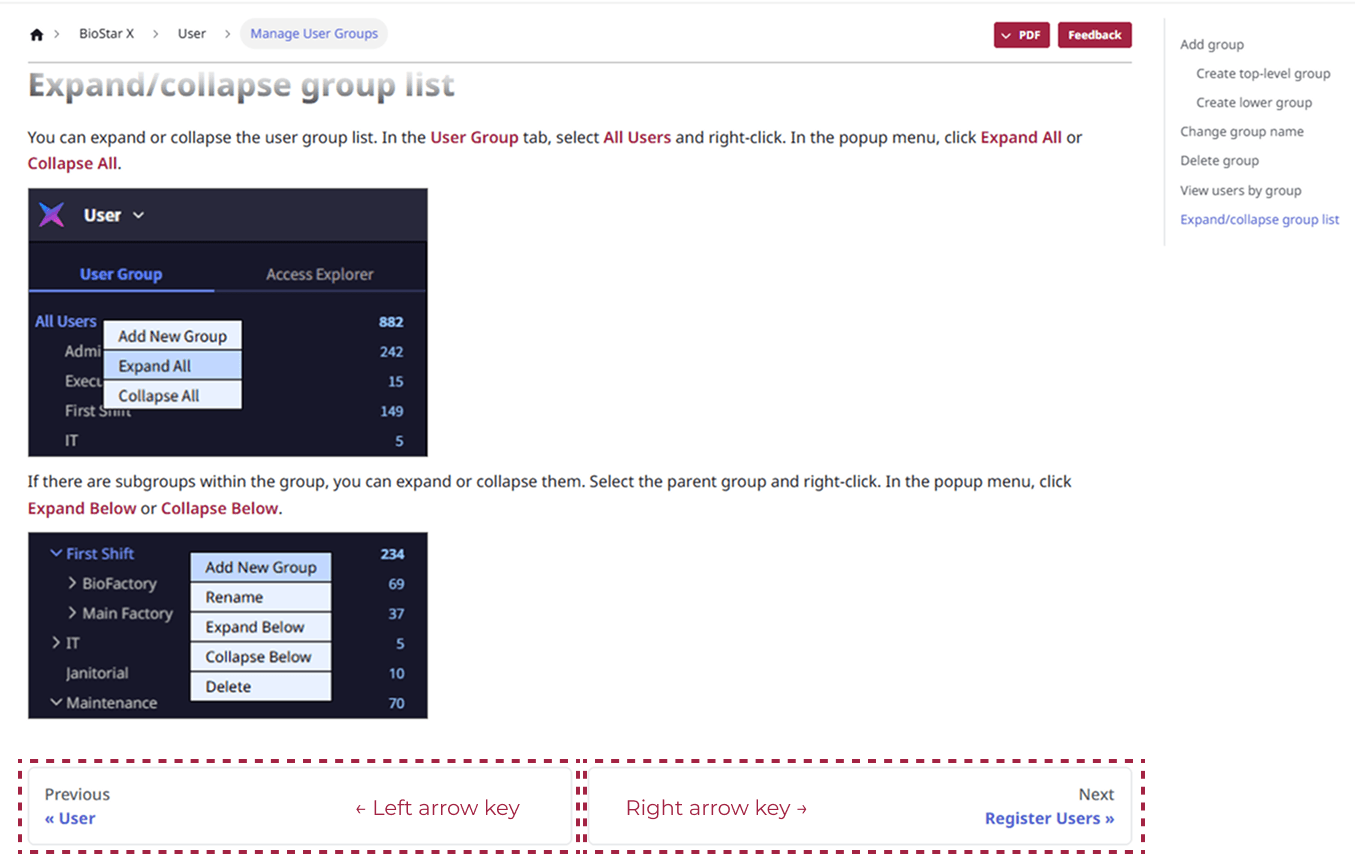
Navigate pages with arrow keys: On Suprema Docs pages, press the left or right arrow key to move to the previous or next page.