BioStar Air
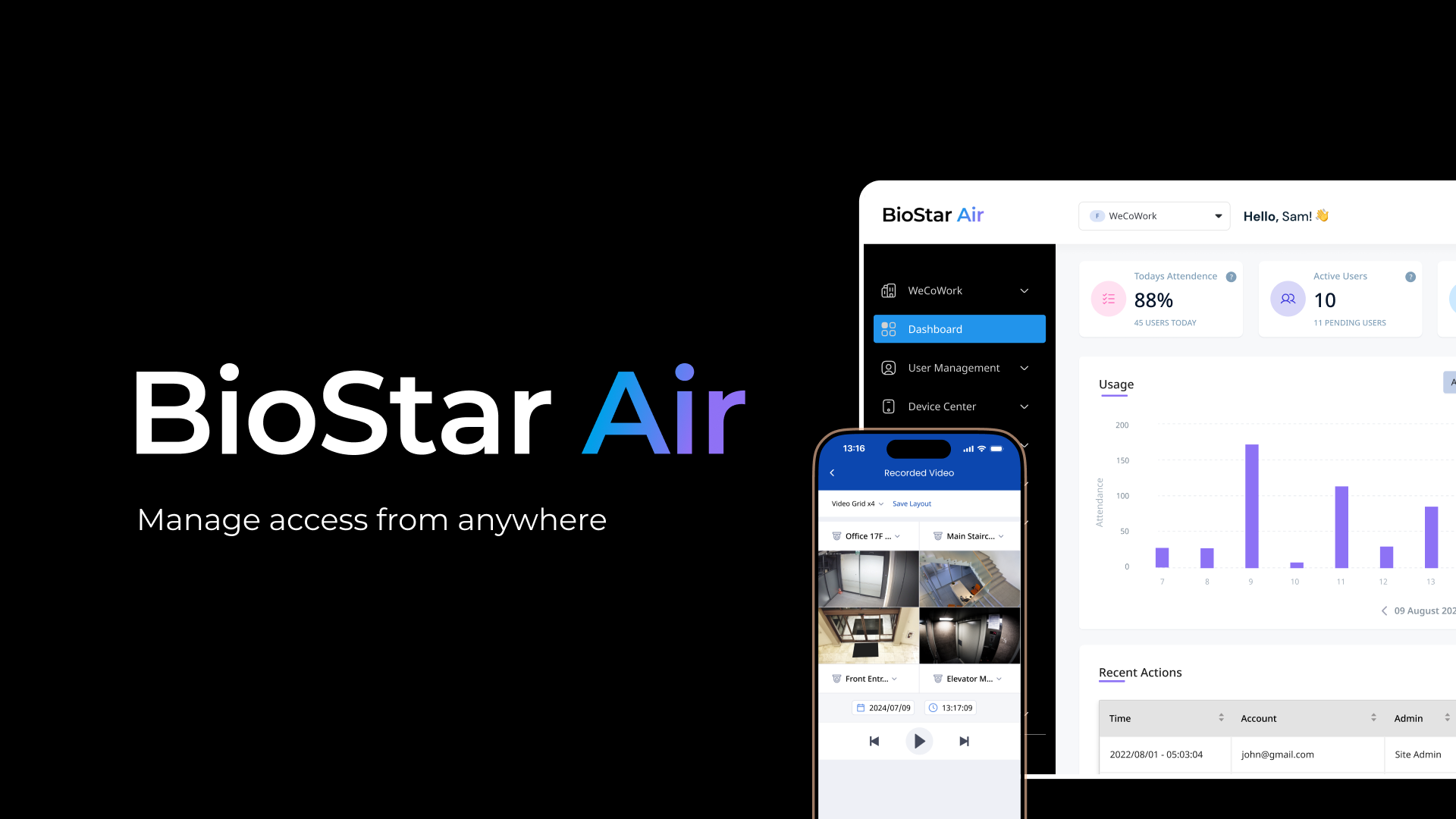
BioStar Air is a cloud-native access control solution developed by Suprema, a global leader in biometric security. Designed to eliminate the need for on-premises infrastructure, BioStar Air provides secure, flexible, and scalable access control that can be managed from anywhere. With smart readers that connect directly to the cloud, organizations can easily control access at multiple locations using only a mobile phone or a browser.
About this guide
The user guide is divided into four role-based sections. Choose the guide that corresponds to your role.
-
Site Administrator: Responsible for the day-to-day operation of a BioStar Air site, including registering users and credentials, setting up devices, doors, and elevators, configuring access permissions, monitoring events, and managing site and service settings.
-
Partners & Installers: Responsible for creating and managing sites via the Partner Portal, installing hardware such as readers, modules, and cameras, and configuring networks.
-
Credential User: End users who unlock doors with mobile credentials via the Suprema Pass app and configure authentication methods and Bluetooth sensitivity.
-
Developer: Documentation for developers who want to automate user management and credential issuance via the BioStar Air Cloud API.
In this guide
What is BioStar Air?→2 elementos
BioStar Air is a cloud-based access control solution that offers a variety of features to enhance security and streamline management.
Site Administrator→6 elementos
Covers all management features needed to operate a BioStar Air site, from managing users, devices, doors, and elevators to setting access permissions and schedules, monitoring events, and configuring system settings and services.
Partners & Installers→3 elementos
Learn how to use the Partner Portal to create customer sites, allocate credits, manage federation sites, and install hardware such as SIP intercoms, IP cameras, and SIO2 modules.
Credential User→3 elementos
This guide explains how to use mobile credentials with the Suprema Pass app to open doors and how to configure authentication methods and Bluetooth sensitivity
Developer→3 elementos
This guide explains how to automate user management and credential issuance using the BioStar Air Cloud API. This guide walks you through each step — from setting up a demo environment and authenticating with the API to using the user management API and working with sample code.
Solución de Problemas→4 elementos
This document provides step-by-step troubleshooting and solutions for issues you may encounter while using BioStar Air, such as adding users, location services, mobile card authentication, and video playback.