インストール
最小システム要件
| 項目 | 小規模ビジネス サーバー | 中規模ビジネス サーバー | 大規模ビジネス サーバー | |
|---|---|---|---|---|
| 環境 | 端末 合計 | 50 | 最大 100 | 100 超 |
| システム要件 | OS | Microsoft Windows 10 以降(64 ビット) | ||
| CPU | 8 コア以上 | 16 コア以上 | エンタープライズ規模の導入には事前相談が必要です | |
| RAM | 32 GB 以上 | 64 GB コア以上 | ||
| 通信 | サーバー、クライアント、デバイス間の標準伝送制御プロトコル(TCP/IP)ネットワーク通信プロトコルをサポートします。 | |||
| 動的ホスト構成プロトコル(DHCP)または固定 IP アドレスをサポートします。 | ||||
| ネットワーク設定をサポートします。 | ||||
| ネットワーク タイム プロトコル(NTP)をサポートします。 | ||||
| クライアント(Web ブラウザー)とプラットフォーム間のセキュア ソケット レイヤー(SSL)で保護された HTTPS 通信をサポートします。 | ||||
| 暗号化 | 指紋テンプレートと顔テンプレートに AES-256 をサポートします。 | |||
| 指紋テンプレートと顔テンプレートに AES-256 をサポートします(オプション)。 | ||||
安定稼働のため、Suprema は Suprema Plugins 用に専用サーバーの使用を推奨します。
以下のサーバー仕様を参照してください。
前提条件
サーバー仕様
安定稼働を確保するため、Suprema は Suprema Plugin に専用サーバーの使用を推奨します。
-
推奨仕様: CPU 8 コア / RAM 32 GB 以上
展開規模 推奨 0~20 台 既存サーバーへのインストールは可能な場合がありますが、サーバー仕様とリソースの確認が必要です。 100 台以下 専用 Plugin サーバーを推奨します。 100 台超 追加の plugin サーバーを推奨します。
Synergis cloud link
-
RIO プロトコルを有効にします。
https://[IP Address of Cloud link]/Features/DuiRIO/Enabled/Set?value=true -
推奨および最大値。 デバイス接続。
番号 ユーザー数 クラウド リンク 1 つあたりの推奨デバイス数 最大値 接続可能なデバイス 20,000 以上 最大 40 非推奨 10,000 未満 最大 50 最大 64 注意-
Suprema デバイス専用の Cloud Link が必要です。
-
Cloud Link への Suprema 製品以外のデバイス接続は推奨されません。
-
データベース
-
プラグイン データベース(Device と Extractor)は Directory と同じ SQL サーバーに自動作成されます。
-
管理者はデータベースのインストール先を変更できます。
-
バックアップ/復元をサポートします。
-
-
SQL アカウントには以下の権限が必要です。
-
サーバー ロール:db_creator、processadmin、public
-
データベース ロール:db_backupoperator、db_datareader、db_datawriter、public
-
指紋登録デバイス
USB タイプの指紋登録デバイスを使用するには、別途ドライバーのインストールが必要です。
サポートが必要な場合は、Suprema Partner Business Team にお問い合わせください。
プラグインのインストール
-
インストール ファイル(setup.exe)を管理者として実行します。

-
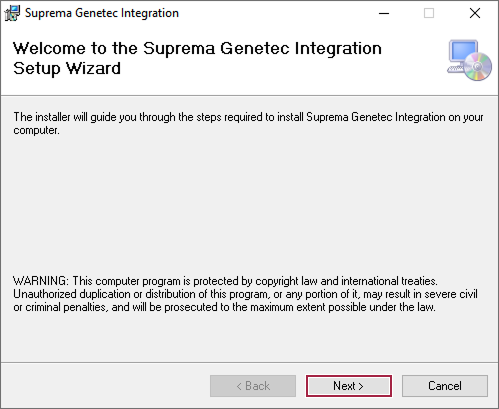
次へ をクリックします。
-
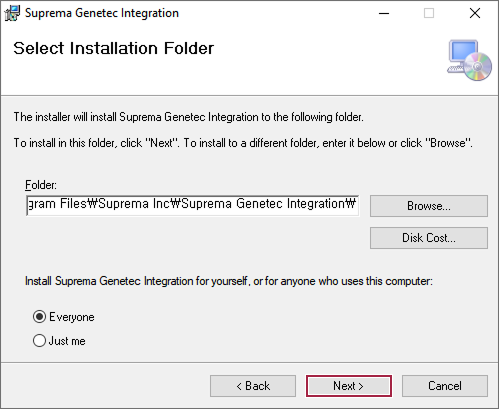
Suprema Plugin をインストールするパスを設定し、次へ をクリックします。
-
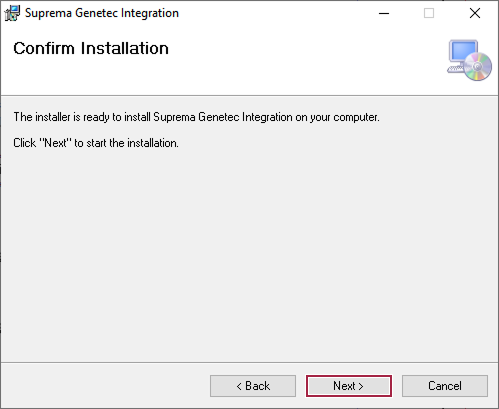
インストールの準備ができたら、次へ をクリックします。
-
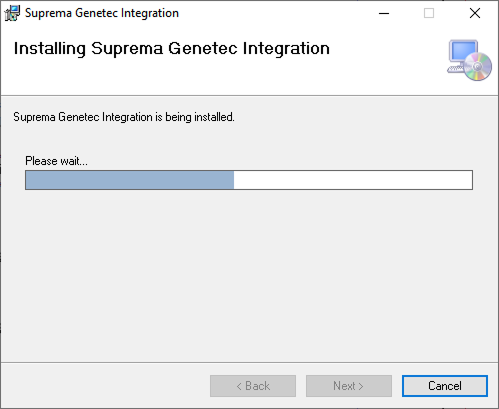
インストールが開始されます。 正常に完了するまでお待ちください。
-
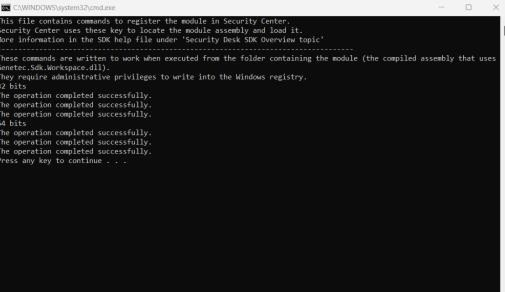
インストール完了後、コマンド プロンプト ウィンドウが表示されます。 任意のキーを押してウィンドウを閉じます。
-
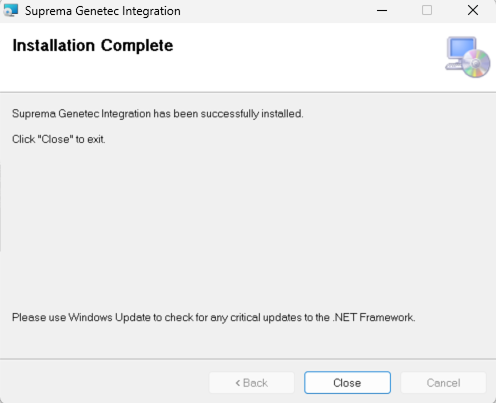
閉じる ボタンをクリックします。
-
任意のキーを押して完了します。
Genetec Config Tool に Suprema Plugin を追加する
-
Genetec の Config Tool を実行します。

-
Tasks の下にある Plugins をクリックします。

-
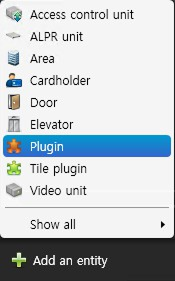
Plugins 画面で Add an entity をクリックし、一覧から Plugin を選択します。
-
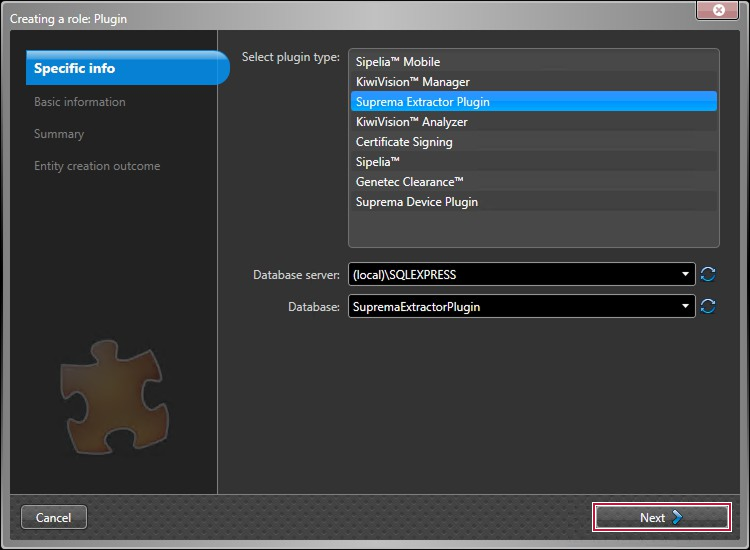
Select plugin type で Suprema Extractor Plugin を選択し、次へ をクリックします。
-
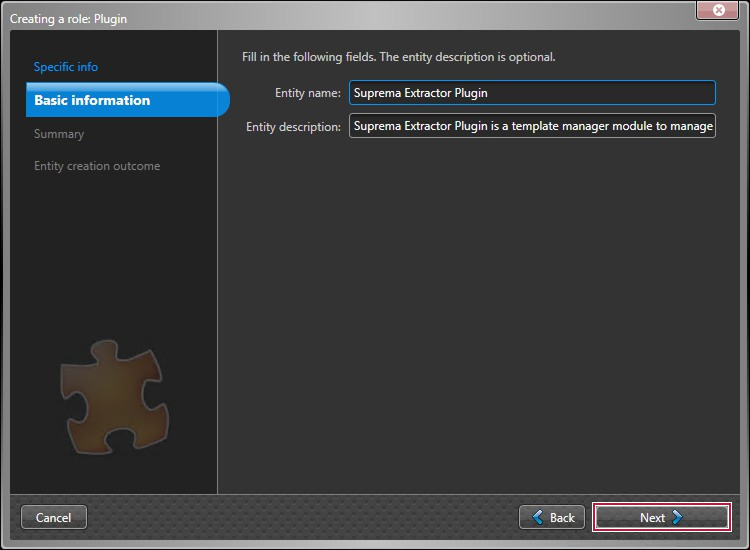
Entity name と Entity description を入力し、次へ をクリックします。
 情報
情報Entity description は省略できます。
-
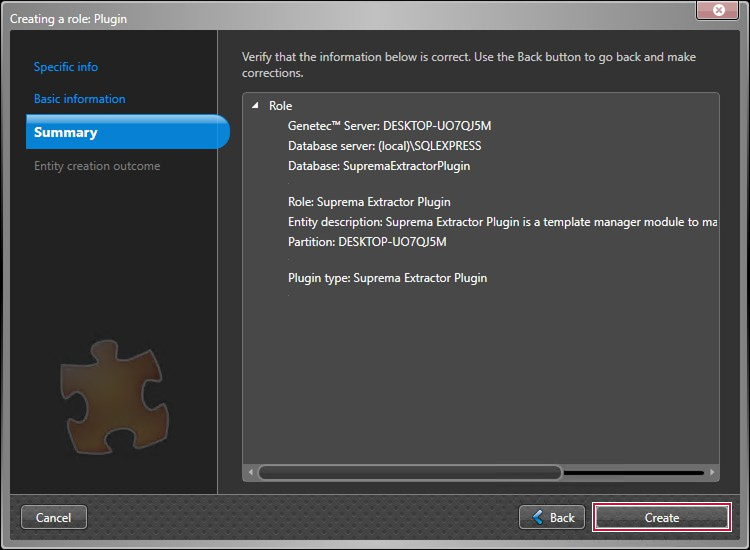
情報を確認し、作成 をクリックします。
-
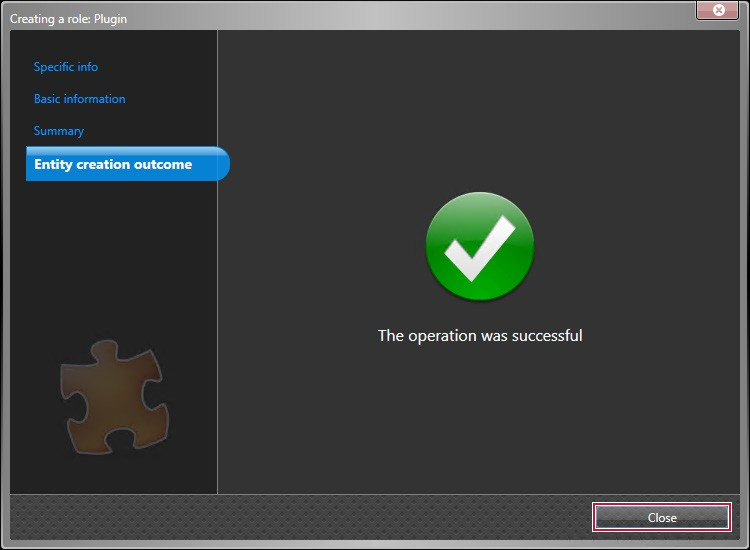
Suprema Extractor Plugin が作成されます。 閉じる をクリックします。
-
Plugins 画面で Add an entity をクリックし、一覧から Plugin を選択します。
-
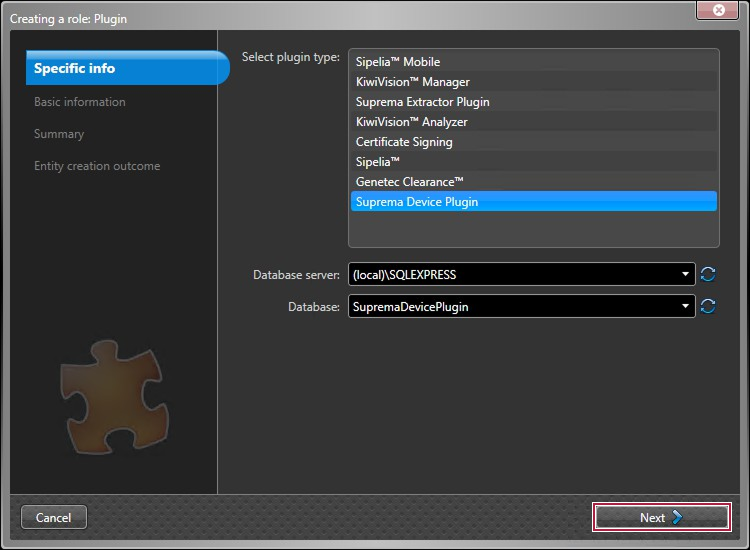
Select plugin type で Suprema Device Plugin を選択し、次へ をクリックします。
-
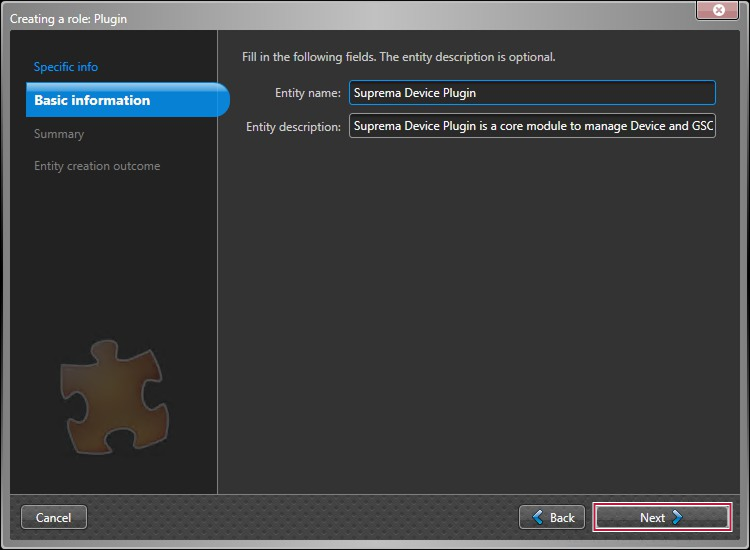
Entity name と Entity description を入力し、次へ をクリックします。
 情報
情報Entity description は省略できます。
-
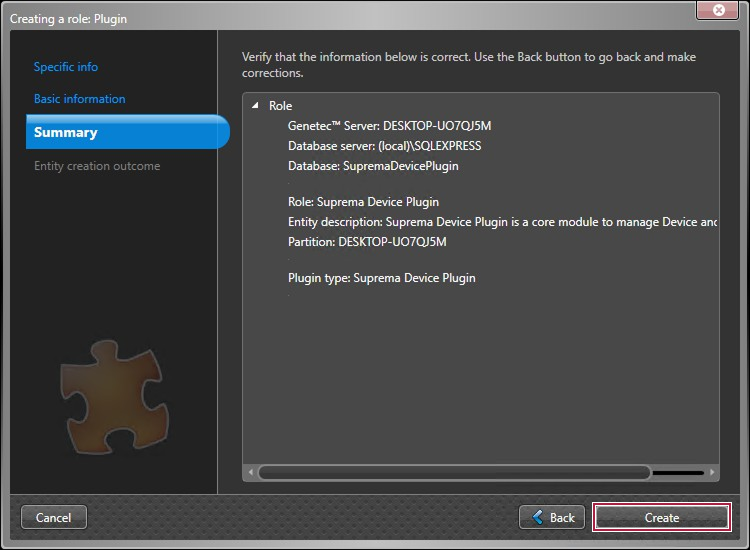
情報を確認し、作成 をクリックします。
-
Suprema Device Plugin が作成されます。 閉じる をクリックします。
-
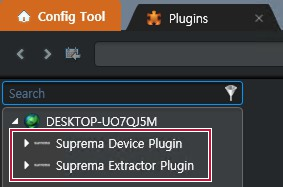
Suprema Plugin の追加が完了しました。